Subtitle: An AI chatbot human handoff checklist for Indian businesses using website chat, support inboxes and automated lead capture.
Quick answer: When a team member accepts a chatbot conversation, the system should assign human ownership, stop new automated replies, preserve useful context and allow automation to resume only through a controlled process. A “human joined” badge alone is not enough.
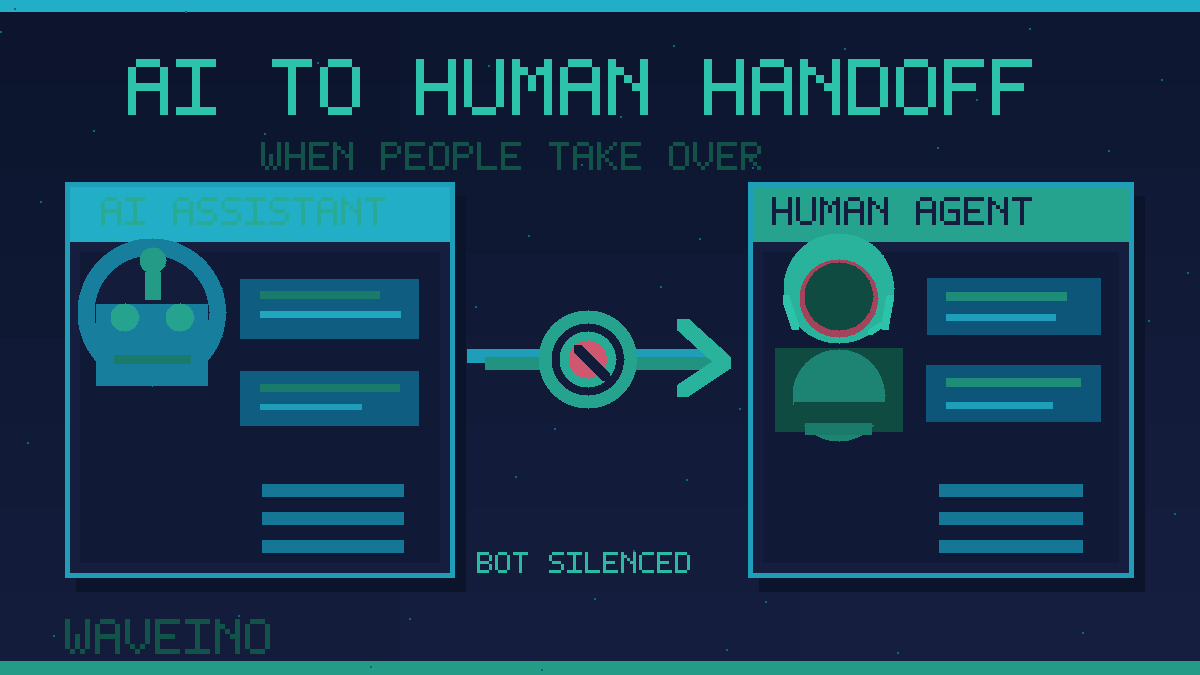
An AI chatbot human handoff lets a customer move from automated assistance to a real person without repeating the whole conversation. It matters when someone requests a quotation, needs help with a difficult problem, has a complaint or explicitly asks for a person. The most important detail is ownership: once a human takes over, the bot must not continue replying in parallel.
Know when a human should take over
Use clear escalation triggers rather than forcing customers to repeat their request. Examples include an explicit human request, repeated misunderstanding, billing disputes, sensitive complaints, sales-ready leads and workflows the assistant cannot complete safely. Provide an alternative contact path when no representative is available.
Google's virtual agent documentation describes transferring cases to humans when automated assistance reaches a knowledge or technical limit. Your own thresholds should reflect your business workflows and support capabilities.
Define conversation ownership in the backend
Instead of scattering “bot enabled” flags across channels, maintain an authoritative state for each conversation. One practical lifecycle is BOT_ACTIVE → HANDOFF_REQUESTED → HUMAN_ACTIVE → CLOSED, with a deliberate return to BOT_ACTIVE when appropriate.
Store the assigned representative, conversation identifier, channel and handoff timestamp. The important rule is that only the current owner can authorize outbound messages. Different staff may collaborate internally, but the automated sending system must respect the latest state.
Stop bot replies even when a response is pending
A difficult failure occurs when an AI response begins generating just before a human accepts the chat. That response can arrive after the representative has already spoken, creating confusion or conflicting promises.
Perform takeover as a guarded backend state change. Before sending any AI-generated message, check the latest owner and state again. Cancel pending work when possible and discard messages that are no longer authorized. Use a version number or another concurrency control to prevent simultaneous ownership changes from overwriting each other.
Example: A visitor requests a website proposal. The assistant collects the project type, deadline and budget range. A sales adviser accepts the lead. The conversation changes to HUMAN_ACTIVE, and pending bot messages are rejected. The adviser can then discuss scope without interruption.
Preserve context without exposing unnecessary data
The person taking over should receive the original request, relevant recent messages, the steps already completed and the reason for escalation. This prevents repetitive questioning. Microsoft documents live-agent handoff with conversation history, while AWS describes chat transfers that preserve context.
Share only information the assigned team needs. Apply role-based access, remove unnecessary sensitive data from summaries and establish a retention policy. The goal is to reduce friction without copying every customer detail into every connected inbox.
Coordinate website chat, CRM and other channels
Businesses may receive enquiries through website chat, WhatsApp, social accounts and email. Each service has different integration capabilities, so do not assume a chat API automatically handles staff takeover. A central conversation record can track which representative owns the case and whether any automated sender is allowed to reply.
WaveINO's forms and CRM automation guide explains why accepted enquiries need clear routing. Human ownership should remain visible when an enquiry becomes a CRM task.
Make the return to automation intentional
Resuming the bot simply because a representative goes offline may restart the same problem. Use an explicit release action or documented business policy. Inform the customer when automated assistance is active again. If a case remains unresolved, keep human ownership or transfer it to a team queue.
Test handoff before launch
- Request a human and check that the correct team receives the conversation.
- Trigger takeover while an AI response is generating; verify that stale output never sends.
- Let two team members try to accept the same chat; confirm ownership remains unambiguous.
- Check that useful context appears without unrelated sensitive information.
- Test after-hours routing, unavailable agents and customer notifications.
- Return deliberately to bot mode and confirm new messages respect the updated owner.
See WaveINO's AI chatbot pre-launch testing checklist for additional quality checks. Monitor escalation requests, accepted conversations, unresolved cases and duplicate replies rather than relying only on message counts.
Frequently asked questions
Should the bot keep responding after a human joins?
Normally no. Automated replies should stop while a representative owns the conversation.
Can a chatbot transfer conversations to WhatsApp or support teams?
Potentially, depending on the platform and integration. The backend still needs reliable routing and ownership controls.
What information should a human receive?
The customer's request, relevant recent history, completed steps and escalation reason, subject to appropriate access limits.
How can duplicate bot and human messages be prevented?
Keep one authoritative conversation state and verify ownership immediately before every automated send.
Build automation with a clear human takeover
The best chatbot knows when to bring in the right person and stop replying. WaveINO helps businesses plan web applications, AI workflows and connected customer support systems. Contact WaveINO to discuss a human-controlled AI support flow.