Subtitle: A practical payment-status and order-recovery checklist for Indian online stores that accept UPI, cards and payment gateway transactions.
Quick answer: Never mark an ecommerce order as paid only because the customer reached a success page or clicked Pay. Verify payment status through the gateway's trusted server-side mechanisms, handle webhook retries safely, and give customers a clear way to check pending or failed orders before trying again.
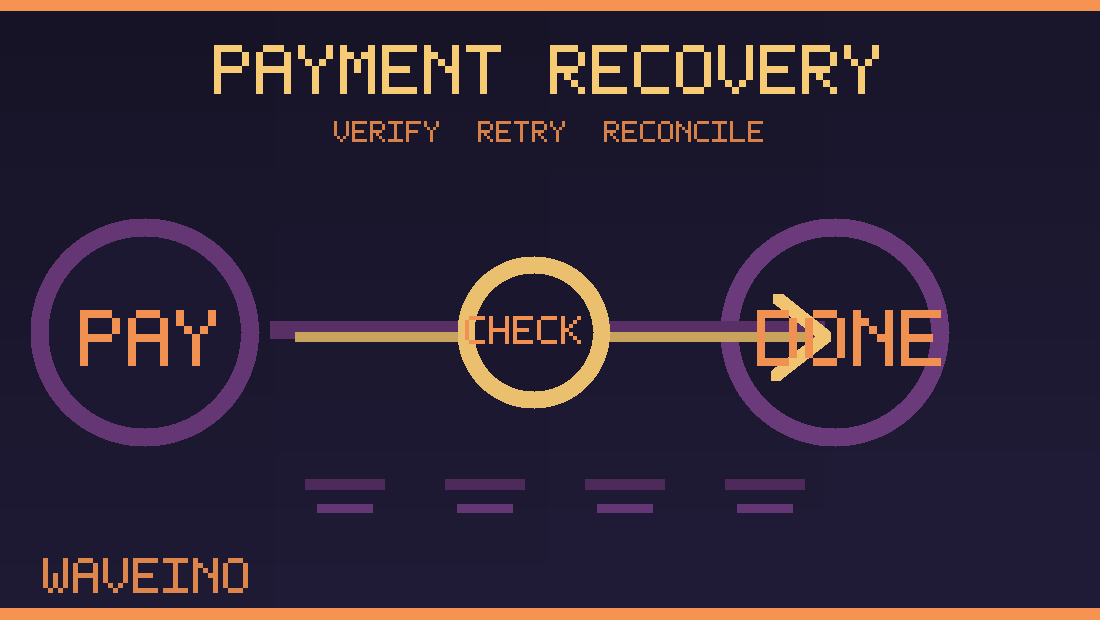
A customer finishes checkout, but the bank application appears to stall. The store still says “payment pending” while the customer is unsure whether money was debited. This is one of the most confusing points in online shopping. An ecommerce payment failure recovery process should help the customer understand the order while keeping the store's accounting accurate.
Payment gateways, bank networks, browser sessions and ecommerce databases can report events at different moments. Your business needs a dependable source of truth and a system that does not create duplicate orders just because a user clicks again.
Separate order creation from payment confirmation
A typical checkout can create an order record with status payment_pending before the customer opens the gateway. That order needs a unique reference, amount, currency, items, customer contact and a time-stamped history of changes.
Do not treat a browser redirect as final proof of payment. Browser callbacks can be interrupted, refreshed or manipulated, and the customer may close the page after paying. Verify through the payment provider's approved server-side methods and only then update the order to the appropriate paid or fulfilled state.
Verify gateway responses on the server
Razorpay's payment integration guidance describes checking the authenticity of a successful checkout response through server-side signature verification. Implement the official verification steps for whichever provider your business actually uses, rather than trusting arbitrary values copied from a browser request.
Keep secret keys outside public website code and application logs. The server should compare order identifiers and expected amounts with its own records, then check the payment status using approved gateway APIs when necessary. A valid message signature alone should not replace all business checks.
Use webhook events carefully
Payment gateways can send webhooks when an event occurs, such as an authorized, captured, failed or refunded transaction. Webhooks help reconcile cases where the customer closes their browser before returning to the shop. But they can be delayed, delivered more than once or arrive in an unexpected order.
Verify webhook authenticity according to the provider's documentation. Store event identifiers and processed status so repeated delivery does not create a second invoice, dispatch a product twice or send another confirmation email. Design state transitions that can handle older and newer events without moving an already-paid order backward into an incorrect status.
Handle an uncertain result without forcing another payment
When the browser cannot confirm what happened, show a neutral message such as “We are checking your payment status” along with an order reference and a safe refresh or support option. Avoid claiming a payment failed until a trusted backend source confirms that state.
Give customers clear steps for finding the order and contacting support. If an actual debit occurred while the order remains pending, the customer should not have to start a completely new purchase merely to report it. Operational processes for settlement, refunds and disputes depend on the provider and transaction status, so present verified information rather than promising immediate money return.
Protect stock and fulfillment from duplicates
Checkout recovery needs to coordinate orders, inventory, invoices and shipping. Reserve stock according to a documented timeout policy; release it safely if a pending transaction becomes definitively unsuccessful. If the payment later succeeds, use reconciliation rules and staff review when the original reservation has expired.
Use idempotency controls for actions such as order confirmation, invoice creation and shipment requests. Once staff take ownership of an exception, preserve the payment and order history so they can resolve it without guessing.
Measure where customers experience failure
Review payment initiation, verification result, abandonment, pending duration, duplicate attempts and support contacts. Keep transaction identifiers available internally, but do not expose sensitive gateway credentials or full payment details to analytics tools. Distinguish real payment failure from a page-navigation problem that prevented success messaging.
Review WaveINO's ecommerce product data checklist and website workflow integration guide when planning the complete online-store journey.
Checkout acceptance tests
- Test successful payment, confirmed failure, cancellation and a page closed mid-transaction.
- Replay a test webhook and check that no duplicate order or invoice appears.
- Verify the customer can check pending status with a stable order reference.
- Test a delayed gateway update after the browser shows an error.
- Check stock reservation, customer notifications and staff exception handling.
- Ensure payment signature verification happens only in trusted server code.
Frequently asked questions
Should the store mark an order paid after a success-page redirect?
No. Confirm the payment through trusted server-side gateway verification.
What if a customer reports money debited but the website says pending?
Provide the order reference and a support route while the business checks the gateway's trusted transaction status and reconciliation process.
Why can a webhook arrive more than once?
Retry delivery is a normal reliability mechanism. Process events idempotently so duplicates do not repeat business actions.
Should customers retry immediately after a timeout?
First offer a reliable way to check the existing order's status; avoid encouraging unnecessary duplicate payment attempts.
Build a checkout customers can trust
Define clear order states, verify every payment, handle delayed events and make support recovery straightforward. WaveINO builds ecommerce websites and integrated business applications. Contact WaveINO for a checkout and order-reconciliation review.