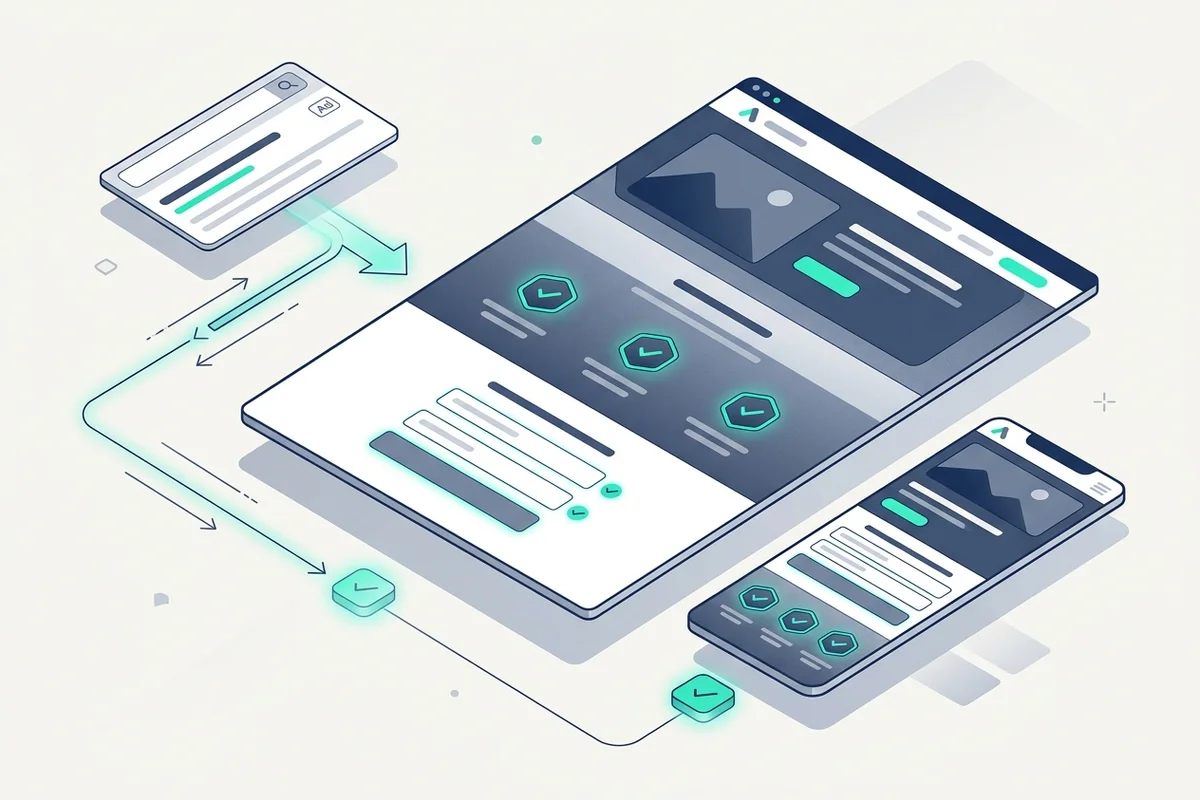
Quick answer: A high-converting Google Ads landing page delivers strict message match between the ad copy and headline, establishes verifiable business trust above the fold, removes navigation distractions, and fires conversion tracking only on genuine, completed lead actions. Sending paid search traffic to a generic homepage or slow page burns advertising budget and depresses Google Ads Quality Scores.
This checklist is designed for service businesses and B2B companies running Google Search and Performance Max campaigns. It outlines the technical, UX, and measurement criteria required before scaling daily ad spend. It provides a structured audit framework, not a guarantee of specific cost-per-click (CPC) or conversion rates.
1. Message match and search intent alignment
Within the first three seconds of landing on your page, a visitor must immediately recognize that they have reached the exact solution promised in your Google Ad. When search intent and landing page copy diverge, bounce rates surge and Google’s automated evaluation marks your landing page experience as below average.
- Mirror the ad headline: If your ad headline promises “Enterprise Web App Development in India,” your landing page H1 must not read “Comprehensive IT Solutions for the Modern World.” Keep terminology consistent across keyword, ad headline, and page title.
- Clarify geographic and service scope: State explicitly where you deliver and who you serve. If your service requires a minimum engagement or is restricted to specific regions, state this early to prevent unqualified clicks from consuming sales resources.
- Single search intent per page: Group keywords by commercial intent. Do not send transactional searchers (“hire react developer agency”) to informational articles or mixed-service directory pages.
Google evaluates landing page relevance and original content as core pillars of the user experience. According to official Google Ads landing page experience guidance, pages that provide relevant, useful information directly matching the user’s search query help improve ad rank and reduce effective click costs.
2. Above-the-fold architecture and trust signals
Visitors on desktop and mobile make snap credibility assessments before scrolling. Your above-the-fold screen space should answer three fundamental questions: What is the exact offer? Why is this business credible? What is the single immediate next action?
- Outcome-focused value proposition: Describe the measurable business outcome you deliver, rather than listing abstract features or internal jargon.
- Remove the primary website navigation: Dedicated landing pages should eliminate header menu links, social media links, and utility navigation that offer exit routes away from the primary conversion goal.
- Visible, verifiable trust markers: Include recognizable client logos (with verified client permission), registered business details, GSTIN/registration indicators, and real turnaround or response timeframes. Avoid invented star ratings, fake review counters, or unverified testimonials.
- Single primary call-to-action (CTA): Keep one unambiguous conversion action prominent above the fold (e.g., “Request Scope Discussion” or “Schedule Architecture Review”).
3. Conversion friction and form engineering
B2B and service leads require a balance between friction and qualification. Asking for too little information invites spam and low-intent enquiries, while demanding excessive personal data causes drop-offs.
| Audit Dimension | Target State | Common Mistake | Diagnostic Check |
|---|---|---|---|
| Message Match | H1 and subhead repeat the ad's core value proposition and keywords. | Generic brand headline or unrelated corporate tagline. | Compare top 5 ad headlines against page H1 side-by-side. |
| Navigation | Zero extraneous links; focused exclusively on the conversion action. | Full header navigation, footer blog links, and social icons. | Count clickable exit links not related to the primary CTA. |
| Form Length | 3–5 essential fields (Name, Work Email, Phone/WhatsApp, Project Type). | Lengthy 10+ field forms asking for budget, timeline, and address upfront. | Time a test user completing the form on a mobile device. |
| Mobile Handoff | Direct click-to-WhatsApp or click-to-call with pre-filled context. | Generic contact numbers routing to unmonitored voicemail or dead WhatsApp chats. | Initiate test message via mobile; verify live representative response SLA. |
| Confirmation | Dedicated thank-you page stating expected response SLA (e.g., within 4 hours). | Silent form submission or vague inline alert with no follow-up expectation. | Verify redirect to unique thank-you URL and receipt of confirmation email. |
| Conversion Tracking | Fires Google tag conversion on thank-you URL or verified API 200 response. | Tag fires on submit button click regardless of form validation errors. | Submit invalid form; verify zero conversion events fire in Google Tag Assistant. |
4. Mobile responsiveness and technical performance
More than 60% of Google Ads search clicks in India originate from mobile devices. If a page fails to render quickly or shifts layout during loading, visitors bounce before reading your headline.
- Core Web Vitals compliance: Aim for a Largest Contentful Paint (LCP) under 2.5 seconds, Cumulative Layout Shift (CLS) under 0.1, and responsive viewport sizing across standard mobile viewports.
- Touch targets and field ergonomics: Ensure input fields use appropriate HTML5 types (
type="tel"for phone numbers to trigger the dial pad;type="email"for email addresses). Form buttons must have minimum 48×48px clickable tap areas. - Fast asset delivery: Serve modern image formats (such as optimized WebP) with explicit width and height attributes to prevent layout jumping while assets load.
5. Tracking architecture: preventing “ghost” conversions
Flawed tracking ruins Google Ads smart bidding algorithms. If your tag fires every time someone clicks the submit button—even when required fields are missing—Google’s bidding engine optimizes for frustrated users who encounter validation errors.
- Fire tags only on verified completions: Direct successful submissions to a dedicated canonical thank-you page (e.g.,
/thank-you-scope-request) or fire custom conversion events only after the server returns an HTTP 200 success response. - Preserve attribution parameters: Ensure URL parameters (such as
gclid,utm_source,utm_campaign) are preserved across redirects and captured in hidden form fields so your CRM correctly attributes revenue. - Understand Quality Score diagnosis: As outlined in Google’s Quality Score documentation, Quality Score is an account diagnostic tool—not an auction bid input. Improving your landing page experience directly contributes to keyword health and lower benchmark costs.
Pre-launch acceptance test: 6 verification steps
- Ad copy audit: Open your active Google Ads ad group and confirm that the headline, service name, and offer matches your landing page H1 word-for-word.
- Negative validation test: Click “Submit” on an empty form. Verify that inline error messages appear cleanly and that no conversion tag fires in Google Tag Assistant.
- Complete end-to-end submission: Fill out a test lead using marked test credentials. Confirm that the thank-you screen appears, the conversion event fires exactly once, and an automated acknowledgement is received.
- CRM and lead routing verification: Check your CRM or email notification inbox. Confirm that the lead record contains the full submission, source URL, and campaign attribution data.
- Mobile rendering check: Open the page on both Android and iOS devices over a real cellular connection. Test scrolling, keyboard display, and click-to-WhatsApp behavior.
- Indexing and robots verification: Verify that paid-only landing pages intended solely for ads are marked with canonical URLs pointing to their core service equivalent or configured appropriately in
robots.txt.
Frequently asked questions
Should every ad group have a unique landing page?
Not necessarily. Create unique landing pages when search intents, service offerings, or target audiences materially differ. Ad groups sharing the same commercial intent and service scope can share a landing page, provided the core headline remains tightly relevant.
How does landing page quality affect Cost-Per-Click?
Google Ads calculates Ad Rank using your maximum bid, expected CTR, ad relevance, and landing page experience. When your landing page is rated “Above average,” your ads can achieve higher positions at lower cost thresholds than competitors with poor page experiences.
Why should we avoid sending ad traffic to our homepage?
Homepages serve multiple audiences and contain dozens of competing navigation paths. Paid search traffic is high-intent; sending visitors to a homepage forces them to search a second time to find the specific service, resulting in steep drop-offs.
Should we use WhatsApp or form submissions for Indian service leads?
For high-intent Indian audiences, offering both is often optimal: a concise 4-field form for structured proposals and a direct WhatsApp link for urgent clarifications. Ensure WhatsApp clicks route to an active team queue with a defined response SLA.
Plan your performance campaigns with WaveINO
A well-crafted landing page turns paid search traffic into predictable business pipeline. Explore our Google Ads and PPC management services, discover our custom web development capabilities, review our client portfolio and past projects, or request a scope discussion with our team.
Editorial note: This guide is educational. Conversion rates, Quality Scores and ad costs vary by industry competition, keyword intent, budget and market dynamics. WaveINO does not guarantee specific rankings, conversion percentages or advertising returns. Sources verified September 2026. Featured image is an original conceptual illustration.