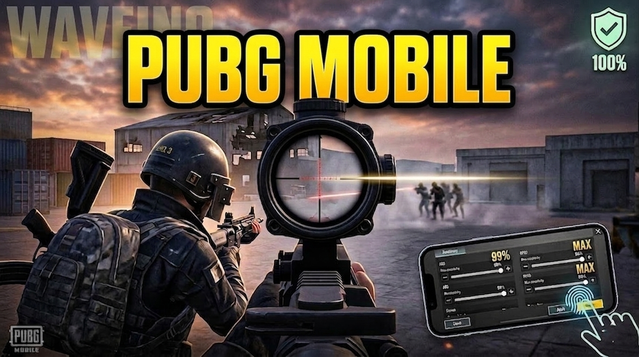
The arrival of PUBG Mobile version 4.4 has transformed the battlegrounds into a mythological arena.
The Competitive Edge: Pro Graphics Configuration
In 2026, the meta for professional players remains focused on "Smooth" performance over "Ultra HD" eye candy. The 4.4 update adds complex particle effects for the "Sacred Fire" trials, which can cause frame drops during intense squad fights.
Best Combat Settings:
Graphics: Smooth (Mandatory for competitive play)
- ALSO READ:- Best PUBG Sensitivity Settings 2026
Frame Rate: 90 FPS or Extreme+ (Always select the highest available)
Style: Colorful (Helps in spotting enemies against the new Greek-themed textures)
Anti-Aliasing: Close (Saves battery and prevents overheating-induced throttling)
Auto-Adjust Graphics: Disable (Prevents sudden resolution drops during combat)
Optimizing for the Ancient Greek Theme
The revamped urban areas like Ruins and Ferry Pier now feature intricate marble structures and glowing "Origin Embers."
For the Standard/Non-Themed maps, the 4.4 update has optimized the rendering of the Panzerfaust and JS9 loot. If you are using a high-end device with a Snapdragon 8 Gen series or Apple M-series chip, you can experiment with Balanced + 120 FPS, but ensure your device remains cool to avoid the dreaded 4.4 update stutter.
Fixing Lag in Version 4.4
Many players in the Indian community face "Micros-stutters" when entering the floating Coronation Location. This is often due to shader compilation. To fix this:
Clear Cache: Before launching the 4.4 update, clear the game cache from your device settings.
Resource Packs: Only download the "Essential" and "Low-spec" resource packs. Avoid the HD icons if you are on a mid-range phone.
Background Processes: Disable "Battery Saver" modes, as they limit CPU clock speeds required for the 4.4 engine.