Subtitle: A practical guide to permission limits, human approval gates, audit logs and safe AI automation for business teams.
Quick answer: Let an AI agent prepare routine information and low-risk drafts, but require explicit authorization before consequential actions such as refunds, deleting records, sending sensitive messages or making financial commitments. Enforce these limits in software permissions, not only in the agent's written instructions.
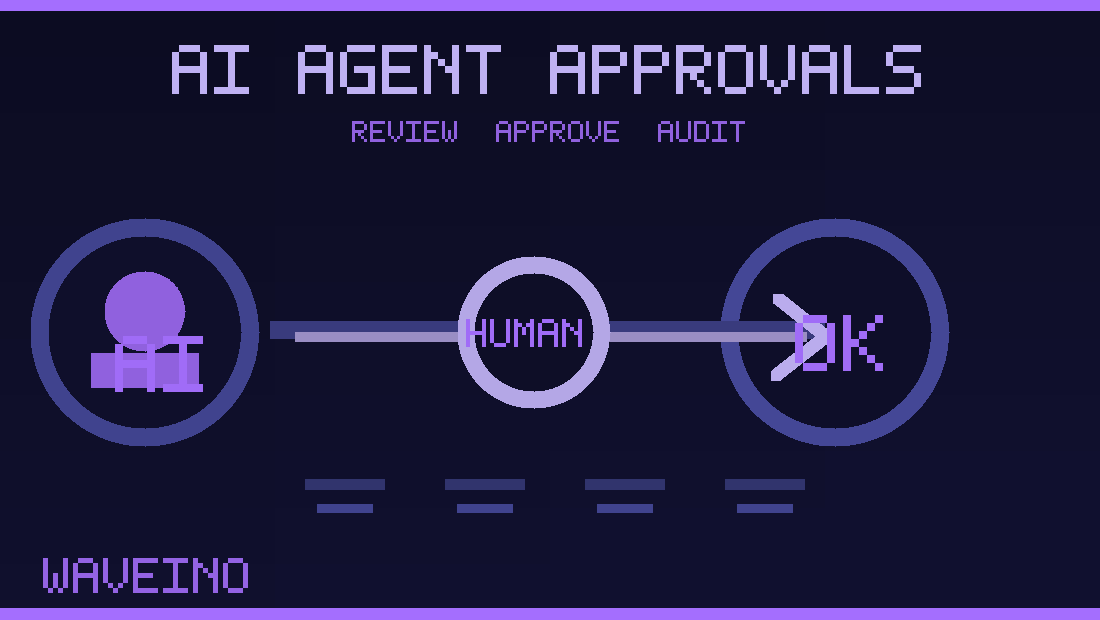
Businesses increasingly want AI assistants to read enquiries, prepare proposals, update customer records or coordinate repetitive tasks. But an agent that can send, edit, pay or delete without checks can make expensive mistakes. An AI agent approval workflow defines which actions are automatic, which require human review and how staff can investigate what happened later.
Unlike a chatbot that only answers questions, an agent may call tools connected to CRM systems, email, invoices or project management software. That creates a new responsibility: the business must decide what authority the agent has before connecting it to production accounts.
Classify actions by business impact
A useful starting point is to group actions into low, medium and high impact. Summarizing an internal document or suggesting a social caption may be low risk. Creating a new CRM contact, preparing a customer reply or editing a draft can require business-specific checks. Transferring funds, deleting customer records or sending a contract should have stronger authorization and approval rules.
The exact categories depend on the organization. A customer support agent should not inherit an administrator's full access simply because the account owner connected the tool. The OWASP Excessive Agency guidance highlights the risks of granting AI systems more functionality, permissions or autonomy than needed.
Use a prepare–review–execute pattern
For consequential actions, make the agent prepare a structured proposal first: what it wants to do, why, which records are affected and the intended customer-facing output. A permitted reviewer can approve, reject or modify that proposed action. Only after approval should a separate execution step run.
For example, an assistant handling a website quotation may collect requirements and draft a proposal. A sales manager checks the scope, delivery assumptions and price before the proposal goes to the customer. The system should prevent an unapproved draft from being sent through another integration.
Protect approval from being bypassed
A message saying “please ask for approval” is not a security boundary. Enforce the rule in the backend or the connected tool itself. Associate approval with the exact action, recipient, amount, version and expiry window. If the proposal changes after approval, require review again.
Use least-privilege accounts and separate read permissions from write permissions. Sensitive operations should require an authenticated authorized human; avoid treating the agent's own text as proof of permission. OWASP also warns that prompt injection and misleading tool output can drive unsafe agent actions even when the original request was harmless.
Keep an audit trail that staff can understand
Record the initiating request, agent identity, tool called, relevant record identifiers, approval decision, reviewer, execution status and errors. Do not put passwords, secret keys or unnecessary private customer information in logs. A useful log allows a manager to answer: What was requested? Who approved it? Did the external system actually perform it?
Use idempotency keys where appropriate so retries do not send duplicate emails, create repeated invoices or charge a customer twice. If a connector times out after a write, reconcile the external system's state before trying again. An agent should never claim an invoice was sent merely because its request was initiated.
Make human takeover a real pause
For customer conversations, a person accepting the case should stop the bot from sending new replies. The backend must recheck ownership before outbound messages, including responses already queued for generation. WaveINO's AI chatbot human handoff guide explains these takeover controls in detail.
Approval and takeover are related but different. Approval authorizes a specific action; takeover gives a human temporary ownership of a continuing conversation or workflow.
A practical pre-launch checklist
- List every connected tool and its available read, create, update and delete permissions.
- Classify the real-world impact of each permitted operation.
- Enforce approval at the tool or backend for high-impact actions.
- Test rejected approvals, modified proposals, expired approvals and repeated execution attempts.
- Confirm that staff can pause the agent and take over unresolved cases.
- Review audit records and alert the owner to errors or unexpected activity.
Frequently asked questions
Can AI automatically send routine replies?
It can when the business has authorized clearly scoped responses and established a human escalation path. Sensitive or exceptional messages often need review.
Is a system prompt enough to stop an agent from paying or deleting?
No. Real access controls, least privilege and enforced approval gates are necessary.
Should every AI action require manual approval?
Not necessarily. Requiring approval for every harmless read or draft creates friction; classify actions by actual consequences.
What happens if an approved action times out?
Check the external system for the intended result before retrying. The operation may have succeeded even if the response was lost.
Give AI useful work without unlimited authority
Start with one measurable workflow, clear permissions, human approval for high-impact actions and reliable execution records. WaveINO works on websites and AI-enabled business automation. Contact WaveINO to plan safe agent workflows.